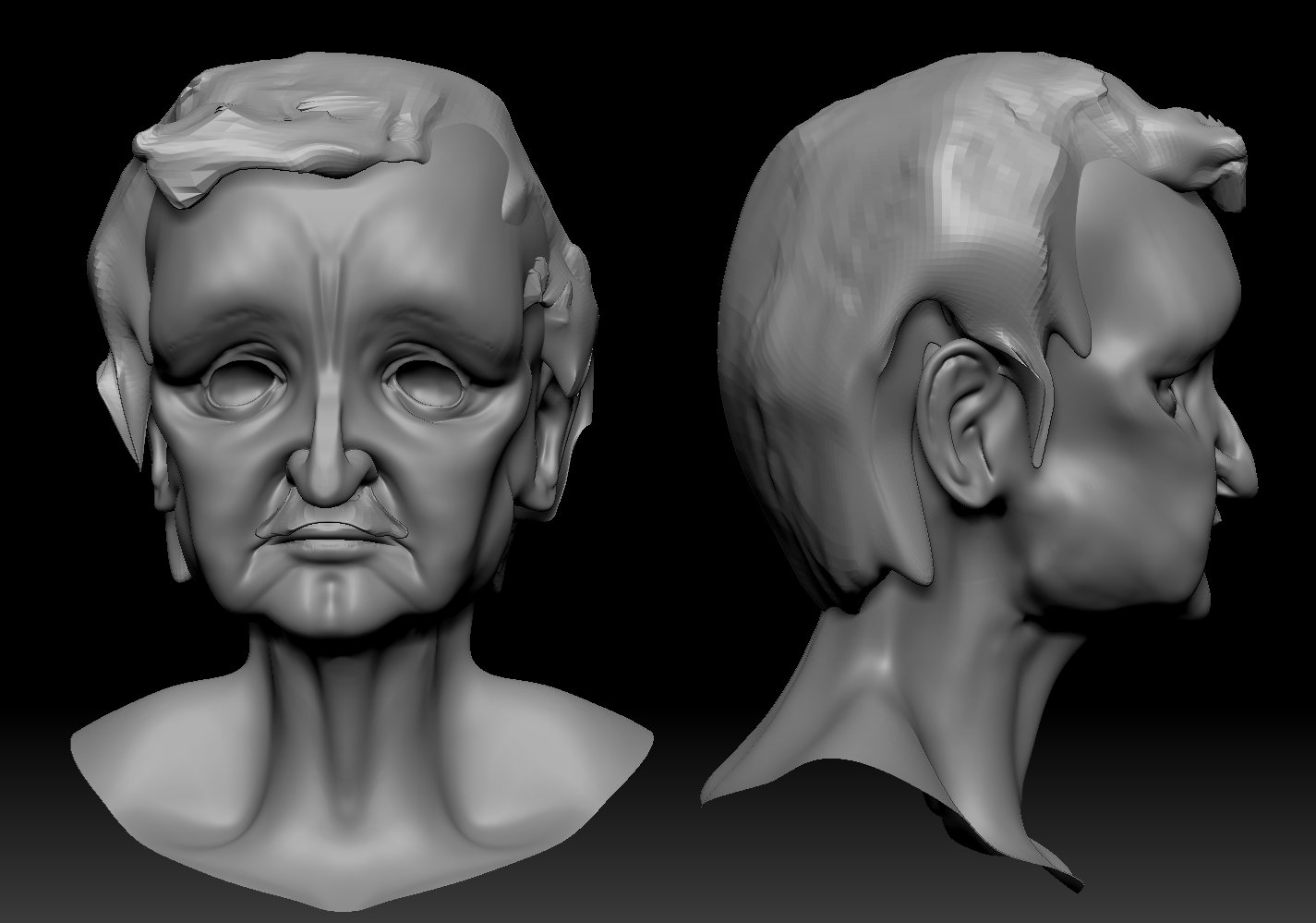
Small tweaks to Poe's face based off art team review on Monday. (eyebrows needed to be moved in somewhat)
I thought some about my Thesis and wrote up some things that I possibly want to think about when I am writing.
- What previous Techniques were and how they were employed and why
- Games that used traditional animations
- Cinematic in game
- Pre-rendered
- Things to remember about cameras in general
- Rules of cinematic camera work (180 rule)
- Techniques for dramatic story- how to portray characters through camera to show importance and things like that
- I was looking through a few books that I have to think up some camera ideas for when want to start my story boarding process.
- Why do I want to use motion capture for a camera?
- Camera in scene that is made. Help make camera move realistically (shaky cam, steady cams)
- It's fun
Over the last few days: (monday and tuesday) I worked primarily on Penned tasks. I created 2 "cardboard cutout" models, Lit and Relit part of the Radiant Path, and worked on a Paint Over for our cinematic scene. I will be back on finishing the Poe Model for Rigging today!